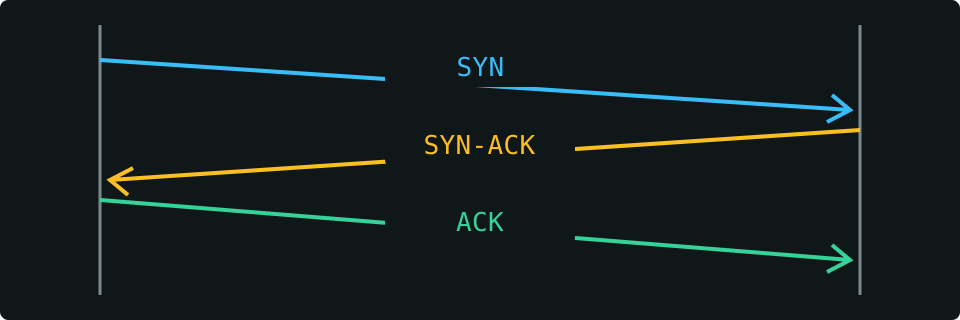
The useful idea behind a port is not a numbered hole in a machine. It is a way for a computer to keep different conversations apart. A server can offer several services at one IP address because its operating system directs an arriving connection to the appropriate listening application. The client also has an endpoint of its own. Together, the two endpoints distinguish a connection from other conversations taking place at the same time.
The September 1981 TCP specification, RFC 793, already described this relationship between ports, sockets and processes. Familiar services could use known endpoints, while other conversations could discover their endpoints dynamically. This was part of TCP's design, not a feature invented for today's web. That distinction helps explain why a destination port and a temporary client-side port play different roles, even when both are just numbers on the screen.
Shared conventions made those numbers useful across different computers and software. RFC 6335, published in August 2011, documented the service-name and port-number registration procedures. The registry is a coordination system, not an inspection of your server. When our scanner labels 22 as SSH, it is giving you a familiar reference; it cannot tell you which program is actually listening there or whether access to that program is appropriately secured.
TCP's core specification was consolidated in RFC 9293 in August 2022. The fundamentals remain relevant even when a modern service sits behind a reverse proxy or load balancer. A connection can reach a front door while the application behind it is unavailable. We want our results to help you ask the next useful question, rather than mistake an accessible endpoint for a complete health or security assessment.