Compare workout rounds
Record a lap after each circuit. Compare your fastest and slowest rounds without restarting between them.
Time your activities with our online stopwatch, laps, local recovery and fullscreen display. Keep your results as PNG, CSV or TXT. No login or installation.
Start when your activity begins. Record checkpoints without interrupting the clock, then compare your rounds in a session report.
Use hundredths for everyday timing or whole seconds for a calmer display. A session name is optional.
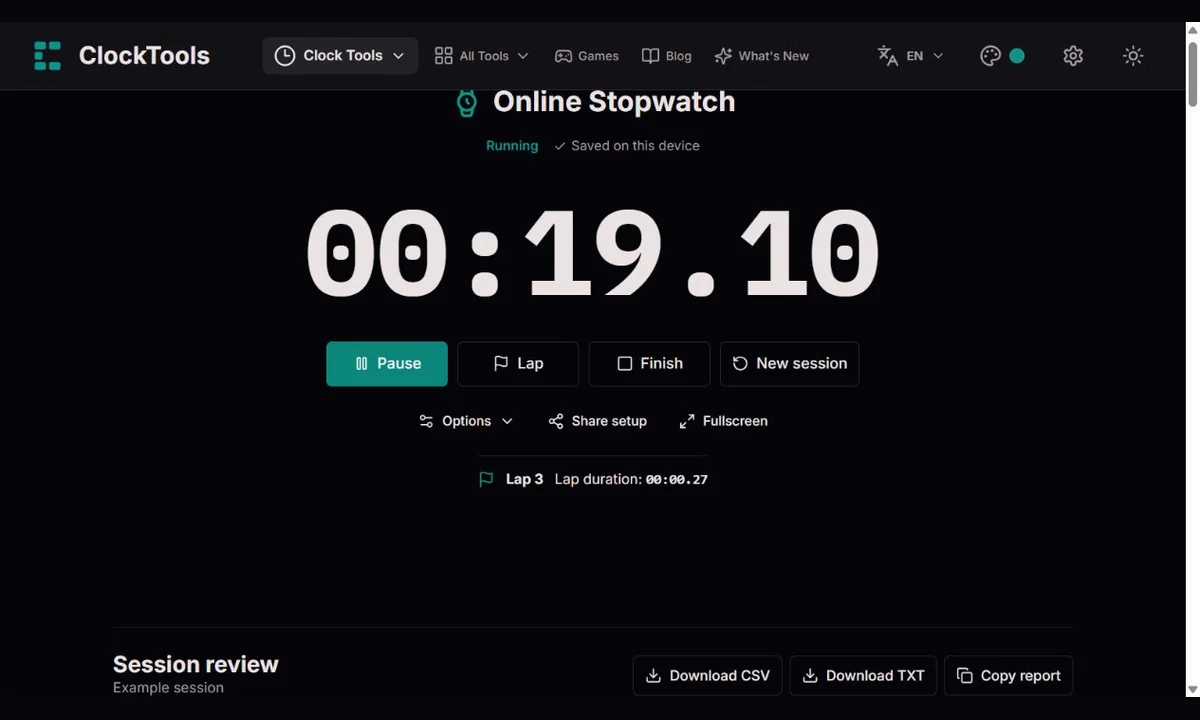
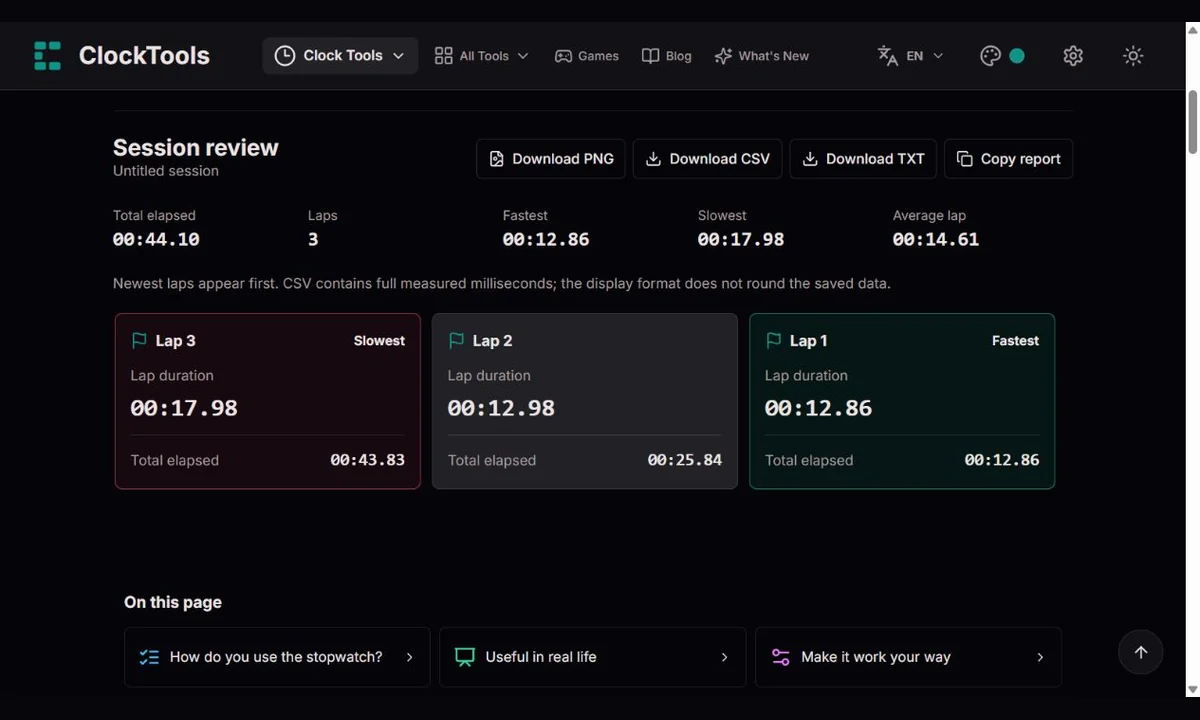
Press Lap after each round. Lap duration measures that round; total elapsed measures the session from the start.
Pause for an interruption or Finish for a report. Export your results before replacing the session.
Record a lap after each circuit. Compare your fastest and slowest rounds without restarting between them.
Use fullscreen and whole seconds for a shared display. Record checkpoints for each group or exercise.
Capture a lap at each section. The report shows which part needs shortening, not just the overall duration.
Name the session and record its stages. Export the laps to compare repeated attempts in a spreadsheet.
Choose milliseconds, hundredths, tenths or whole seconds. This changes the display, not the stored measurements.
Pause excludes the break from your time. Resume continues the same session. Finish opens the report; a new session requires confirmation.
Fullscreen removes surrounding distractions. The optional wake lock requests an awake screen; browser support, battery settings or hidden tabs may release it.
The latest session is saved on this device when storage is available. Reload restores it paused, never automatically running.
Keep a branded PNG of your results, export measured milliseconds as CSV, or save a text summary with TXT or Copy. Sharing sends only the display format, not your name or results.
Space starts or pauses, L records a lap, R asks to start a new session, and F toggles fullscreen. Shortcuts do not run while typing into fields or using dialogs.
| Display format | Example |
|---|---|
| Milliseconds | 00:30.125 |
| Hundredths | 00:30.12 |
| Tenths | 00:30.1 |
| Whole seconds | 00:30 |
We measure elapsed time from a monotonic browser clock, not by counting screen updates. A lap duration is its cumulative time minus the previous checkpoint. Average lap duration is the final checkpoint divided by the number of laps; any unfinished final round is excluded. Equal best or slowest durations may appear more than once.
Display resolution is not a guarantee of measurement accuracy. Your reaction time, input delivery and device behavior affect the result. Sleeping devices can handle clocks differently. If wall and monotonic time disagree significantly, we pause and let you keep the measured time or add the extra clock time. This is not certified sports or laboratory timing.
Timing and limitationsOne latest session is kept in browser storage, with periodic saves while running and a save when you pause or leave the tab. Recovery may miss the last unsaved moment after a crash. Clearing site data removes it. Another tab cannot silently take over your active session; you choose whether to load its saved record or continue here.
Share setup opens the stopwatch with your selected format. It does not share a running clock, synchronise devices or include private lap records. Downloads are created on your device; keep exported files somewhere you control.
Want a result you can keep or send to someone? Our stopwatch can turn your session into a clear PNG report with the session name, export date, total time, display format, lap count, fastest and slowest laps, average, and each lap’s duration and cumulative time. We add the ClockTools logo and website address so you can find us again. The image captures the moment you open the export; a running clock keeps going. Long reports use numbered pages without leaving out laps. PNG keeps your selected display format; use CSV for the measured millisecond values. The website address is printed on the image, not a clickable link.
An ordinary hidden tab can still measure elapsed time even when the screen stops updating. Device sleep or browser suspension can behave differently; keep the device awake for important sessions.
When local storage works, the latest saved time and laps return paused. Press Resume to continue; time since the saved snapshot is not automatically added.
No. It shows additional digits without removing reaction time or browser and device limitations.
Here, lap duration is the time since the previous checkpoint. Total elapsed is the cumulative split from the session start.
Download your report as PNG, CSV or TXT, or copy it. Share setup only shares the tool and display format; it does not include your results.
No. A screen wake lock is a browser request, not a guarantee against sleep, battery restrictions, closing the tab or shutting down the device.
A session supports up to 5,000 laps. Export the session and begin another when you reach the limit.
For a timing or recovery problem, tell us the browser, device, display format and steps that reproduce it. Note whether the device slept or its clock changed. Use a non-sensitive example; do not send private session records.
contact@clocktools.app