A family celebration
Count down to a birthday, wedding or reunion. Give relatives the same deadline even when they live in different time zones, and send a PNG when a simple picture is easier than a link.
Count down to holidays, birthdays and deadlines with year-specific holiday dates, named time zones, editable events, share links and calendar or PNG downloads.
A celebration should feel like something to look forward to, not another date to calculate. Our holiday countdown keeps the approaching moment in view while giving you room to plan the details.
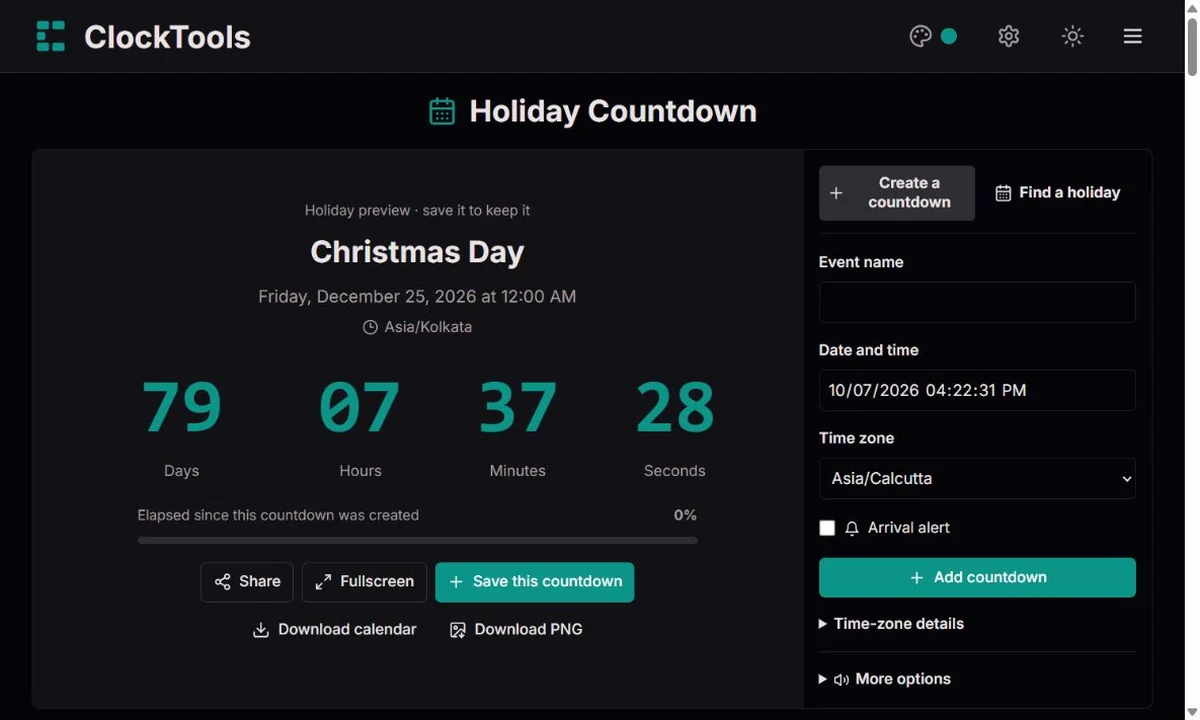
Name your event and enter its date, time and time zone. Or choose a country and year from our holiday selection. Check whether you want the celebration itself or the observed day off.
Save your countdown to see days, hours, minutes and seconds together. The deadline and its time zone stay visible. Fullscreen makes the same countdown easier to read across a room.
Share the displayed event, download a calendar entry or save a branded PNG. Shared links keep the exact moment intact. Sound and browser notifications remain your choice, with a test before you rely on them.
Count down to a birthday, wedding or reunion. Give relatives the same deadline even when they live in different time zones, and send a PNG when a simple picture is easier than a link.
Use your destination’s time zone for departure plans or the start of a break. Keep separate events for leaving home and arriving; the countdown is a planning aid, not a replacement for your ticket.
Put a school event or holiday on a large display. Children can watch the remaining time change while you use the occasion to discuss dates, calendars and why a public holiday can move.
Set the launch time in the team’s agreed zone, rather than leaving everyone to interpret “Friday at nine.” Calendar downloads and exact-time links help remote colleagues work toward the same moment.
Our curated selection covers 18 countries, with explicit regional calendars where needed. Changing the year loads that year’s dates; a moving holiday is not copied blindly from the previous year.
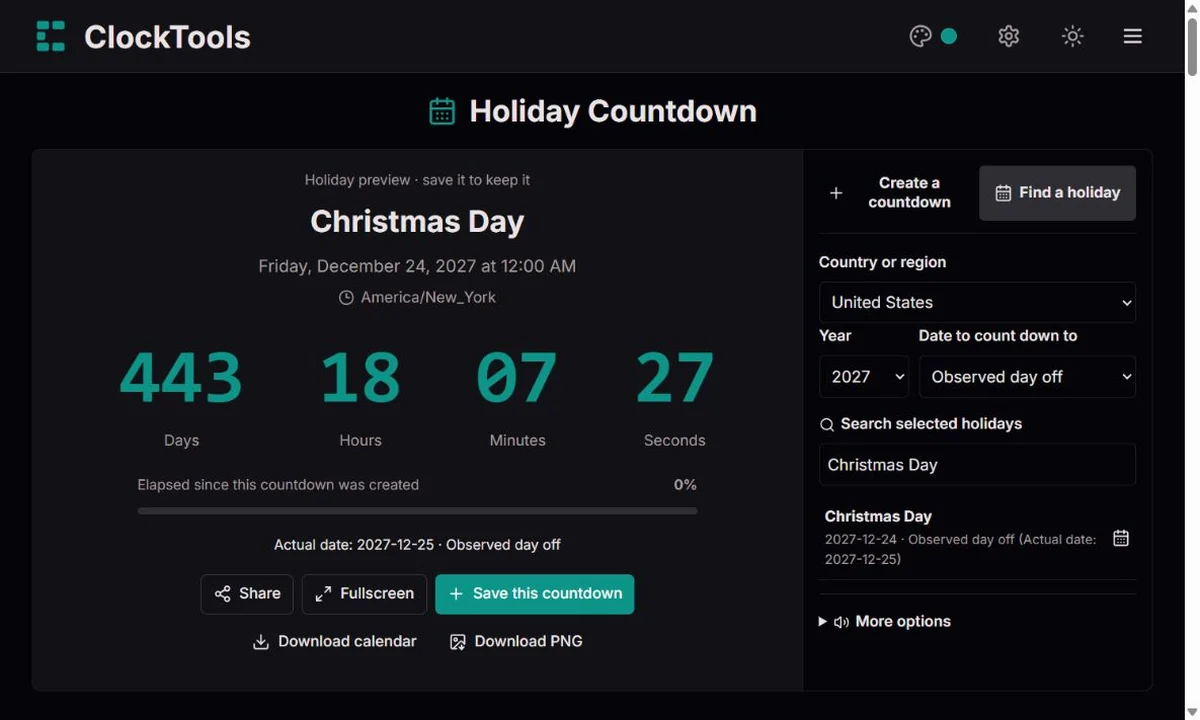
A holiday can fall on a weekend while the day off moves to another weekday. Choose the date basis and check the separate celebration date shown on observed presets. Local rules still deserve a check before booking.
A zone such as Europe/London carries daylight-saving rules; a fixed offset does not. Search our time-zone list, then inspect the resolved deadline. A skipped hour is invalid: choose another time. When an hour repeats, explicitly choose its first or second occurrence.
Save several plans, edit a deadline, duplicate an event or undo a removal. Progress measures the interval from creation to the deadline. It is not a percentage of the holiday year and does not restart every second.
Choose from our alarm sounds, adjust volume and try a preview. Enable browser notifications separately. Keep the tab open: permission, speaker settings, power saving and browser suspension can affect delivery.
The calendar file contains the exact UTC instant, which your calendar app displays in its own zone. PNG downloads include the event, deadline, remaining time and ClockTools branding. Shared links do not enable alerts or save events automatically.
A wall calendar looks like a collection of numbered boxes, but many holidays are defined by a weekday rule. US Memorial Day is the last Monday in May; Thanksgiving is the fourth Thursday in November. Their dates change with the year, so “May 25” cannot stand in for Memorial Day forever.
The distinction matters when you plan well ahead. A copied date can look believable while being several days wrong. Our presets are generated for each supported year, and the selected country or region travels with the date. A birthday is usually a fixed calendar date; a public holiday may require both a year and a rule.
The date of a celebration answers when an occasion occurs. An observed date answers when a particular calendar grants the day off. Those answers can differ around a weekend, and different countries or regions can apply different arrangements.
For a family gathering, you may want the celebration itself. For an office closure, the observed date can be more useful. Neither choice describes every employer, school or religious community. Our two date modes make that distinction visible instead of silently replacing one date with the other. Always confirm an official calendar when leave, contracts or travel costs depend on it.
Not every tradition follows a fixed date in the civil calendar. Easter calculations use ecclesiastical calendar rules; the “full moon” in those rules is not simply the next astronomical full moon. Other festivals follow lunar or lunisolar calendars, and some dates depend on an official announcement or local observation. We do not invent a preset when the relevant date is uncertain.
There is another subtlety: our days are complete 24-hour intervals remaining until an instant, not the number of date boxes you cross on a calendar. A daylight-saving change can make the interval between two local midnights 23 or 25 hours. Keeping the named zone and exact deadline visible helps explain why those two ways of counting can differ.
OPM · US federal holidays · GOV.UK · Bank holidays · US Naval Observatory · The Date of Easter
We generate dated presets from the versioned date-holidays ruleset and distinguish original dates from substitute days. Your local input is resolved in the chosen IANA time zone. Remaining time comes from the difference between that instant and the device clock, with full 24-hour days and hours, minutes and seconds. We test moving dates, DST boundaries, shared links, malformed saved data and calendar exports.
The device clock must be correct. Regional selections are identified and do not represent every local closure. Presets are planning information, not a legal entitlement to leave. Calendar files do not add an alarm automatically. A saved countdown is not backed up across devices.
Yes. Enter a title, date, time and time zone, then save. Birthdays, trips and work deadlines do not need to appear in the holiday selection.
An observed date is the day off specified by the selected calendar. The celebration can remain on its original date. We show both when a preset is marked as observed.
A new share link contains an absolute deadline and its named zone, so the remaining interval stays the same. Older links without a zone show a warning and should be checked before saving.
No reliable alarm is possible from a closed or sleeping browser tab. Test the sound, keep this page open and use your device’s alarm app for something you cannot afford to miss.
Saved events stay in this browser’s local storage, not in a ClockTools account. Clearing site data removes them; private browsing or storage restrictions can prevent saving. Share links contain the event details in the URL.
No. This is a curated selection, not a complete legal calendar. For an unlisted festival, use a confirmed local date and create your own event. Future official changes may require a preset update.
Found a date that disagrees with an official calendar? Send the country or region, year, holiday name, actual or observed mode, expected date and a reliable source. For a countdown issue, include the selected zone and safe reproduction steps. Please do not send private event links or personal schedules.
Report a problem